

Security Upgrade Ideas for Offices: 2026 Practical Guide
The most effective security upgrade ideas for offices in 2026 combine layered physical protection, smart access control, and integrated monitoring into a system that actually works together. No single camera or lock does the job alone. The offices that hold up under pressure are the ones where physical barriers, technology, and trained staff reinforce each other.
Here is what a solid office security upgrade covers:
- Physical barriers: reinforced entry doors, strike plates, window film, and secure reception zones
- Access control: keycards, mobile credentials, biometrics, and cloud-managed permissions with full audit trails
- Surveillance and alarms: AI-enabled cameras, motion-activated lighting, intrusion sensors, and broken window detectors
- Secure storage: fire-resistant and burglary-resistant safes for cash, documents, pharmaceuticals, and data drives
- Personnel and policies: tailgating prevention training, clean desk rules, visitor management protocols, and documented emergency procedures
- Integrated systems: centralized platforms that connect access control, video, and desk booking data for fast incident response
- Cybersecurity basics: multi-factor authentication, network segmentation, and regular access permission audits
Safes and Security Solutions carries the hardware side of this list, from UL-rated commercial safes to professional-grade surveillance systems. The procedural side is yours to build, and the sections below walk through both. These upgrades scale for small offices with tight budgets and larger facilities managing dozens of staff.
Table of Contents
- 1. Physical barriers and access control systems are your first line of defense
- 2. Surveillance, alarms, and lighting deter threats before they escalate
- 3. Personnel, policies, and emergency planning close the gaps technology cannot
- 4. Secure storage protects what access control cannot
- 5. Integrated security technology gives you the full picture
- Key Takeaways
- What most office security plans get wrong
- Safes and Security Solutions has the hardware your office needs
1. Physical barriers and access control systems are your first line of defense
Most unauthorized entries happen at the weakest physical point, not the most obvious one. A reinforced front door means nothing if the side entrance has a hollow-core frame and a standard latch. Start with a physical audit: check every door, window, and access point for vulnerabilities before spending anything on technology.
Physical barrier upgrades worth prioritizing:
- Replace hollow-core doors with solid-core or steel-clad alternatives at all entry and server room doors
- Install heavy-duty strike plates with 3-inch screws that anchor into the door frame stud, not just the trim
- Add window film rated for forced-entry resistance on ground-floor glass, which slows smash-and-grab attempts significantly
- Secure reception areas with a physical barrier between the public lobby and staff workspace
- Use fencing or bollards around parking areas adjacent to building entrances
Access control is where the biggest operational gains come from. A cloud-based access control system lets you grant or revoke credentials remotely, set time-based access schedules, and pull a complete audit trail without ever touching a physical key. Mobile credentials are now the standard for mid-size offices because they eliminate the cost and hassle of lost keycards. Biometric readers add another layer for server rooms or executive areas where the stakes are higher.
Role-based access is the feature most offices underuse. You can restrict the document storage room to HR only, give IT full access to the server closet, and keep contractors limited to the lobby and conference rooms, all from one dashboard. That granularity is what separates a real access control system from a keypad on the door.
Regular audits of who has access to what are not optional. Employees change roles, leave the company, or move to different departments, and their credentials rarely get updated to match. This is called permission creep, and it is one of the most common vulnerabilities in office environments. Automated access reviews catch it before it becomes a problem.
Pro Tip: Set a calendar reminder every 90 days to audit your access control permissions. Revoke credentials for any employee who has changed roles or left the company. Most cloud platforms can automate this with scheduled reports.
2. Surveillance, alarms, and lighting deter threats before they escalate
A visible camera is a deterrent. A well-placed camera with AI-driven analytics is a detection tool. The difference matters because most office break-ins happen when no one is watching, and a camera that only records what happened is useful for insurance claims but not for stopping the incident.
Surveillance upgrades that actually change outcomes:
- Position cameras to cover all entry and exit points, parking areas, server rooms, and cash handling areas
- Choose systems with cloud-based video management for centralized monitoring across multiple locations
- Use AI-driven video analytics that can detect tailgating, unattended packages, and abnormal behavior automatically
- Store footage in the cloud rather than on local servers, which protects recordings from theft or physical damage
- Pair cameras with motion-activated lighting at all exterior entry points
AI-powered video analytics deserve specific attention here. Modern systems can flag tailgating at a controlled door, detect someone loitering near a restricted area, or identify an unattended bag in a lobby, all without a human watching a monitor. These capabilities are now available at price points that work for small and medium offices, not just enterprise facilities.
Alarms fill the gap that cameras cannot. Intrusion detection sensors on doors and windows, broken window sensors, and motion detectors in after-hours areas create an alert layer that triggers before anyone reviews footage. Motion-activated lighting at exterior entry points is one of the cheapest deterrents available. Research on burglar behavior consistently shows that lighting and visible cameras are among the top factors that cause intruders to abandon a target.
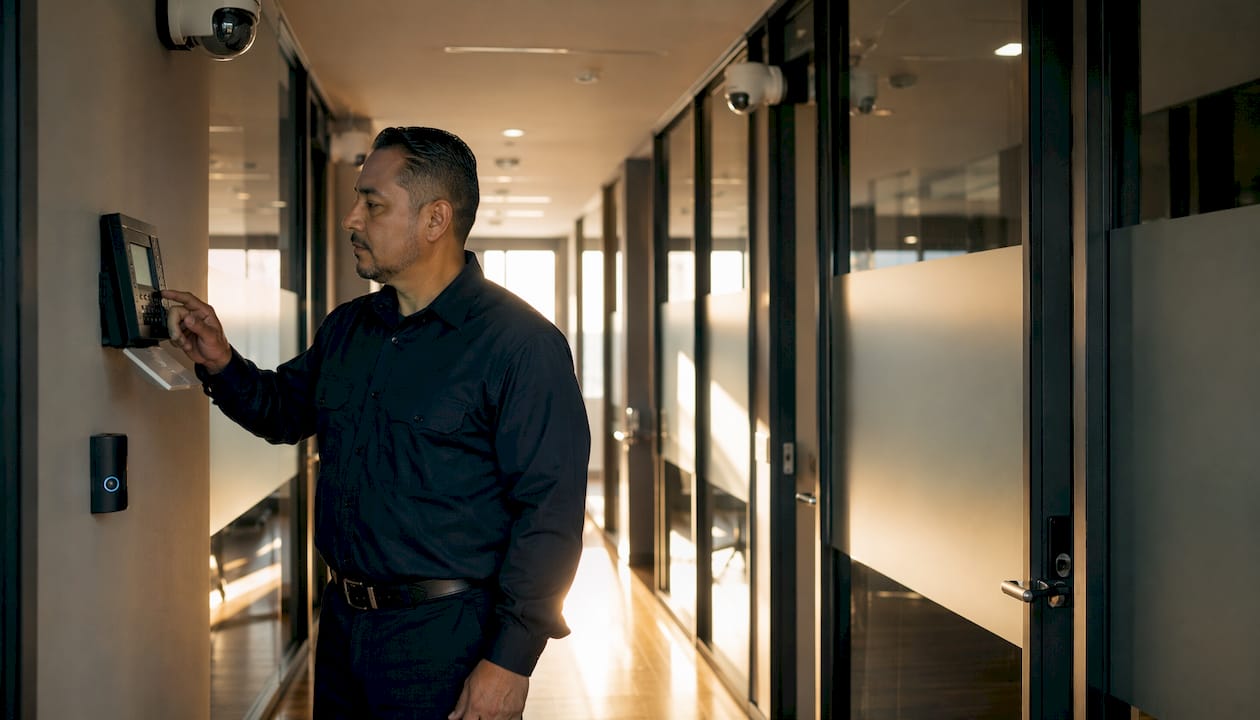
Integrating alarms with your surveillance system reduces false alarms and speeds up response. When a motion sensor triggers, the system can automatically pull up the relevant camera feed for whoever is monitoring, cutting the time between alert and action.
Pro Tip: Mount cameras at a height and angle that captures faces clearly, not just the tops of heads. A camera aimed too high is nearly useless for identification. Aim for a downward angle of roughly 15–30 degrees at entry points.
3. Personnel, policies, and emergency planning close the gaps technology cannot
Technology handles a lot, but it cannot stop an employee from holding the door open for a stranger or writing a password on a sticky note. The human layer is where most security plans fall short, and it is also where the cheapest fixes live.
Training and policy essentials:
- Run tailgating prevention training at onboarding and at least once a year after that; employees need to know it is acceptable to challenge someone they do not recognize
- Enforce a clean desk policy so sensitive documents, access cards, and login credentials are never left visible or unattended
- Document every security procedure in writing; unwritten rules create inconsistency and collapse during incidents
- Require strong, unique passwords and enforce multi-factor authentication across all systems, which remains one of the most effective low-cost upgrades available for reducing unauthorized network access
- Establish clear incident reporting procedures so staff know exactly who to contact and what to document when something goes wrong
Visitor management is a specific area where many offices are still running on paper sign-in sheets. A digital visitor management system with pre-registration, digital badges, and zone-based access authorization is a meaningful upgrade. It tells you exactly who is on site at any given moment, which is critical during an evacuation or a security investigation. Pre-registration also reduces lobby congestion because check-in is faster when the system already has the visitor’s information.
Emergency planning is the piece most facility managers defer until something happens. An office security plan should include documented evacuation routes, assigned roles during incidents, communication protocols for reaching all staff, and a schedule for drills. The goal is that no one has to figure out what to do in the moment.
For small to medium offices, coworking arrangements introduce additional complexity around visitor access and shared spaces. Understanding coworking security considerations is worth reviewing if your office shares a building or amenities with other tenants.
4. Secure storage protects what access control cannot
Access control keeps unauthorized people out of rooms. Secure storage keeps them away from specific assets even if they get in. These are different problems, and they need different solutions.
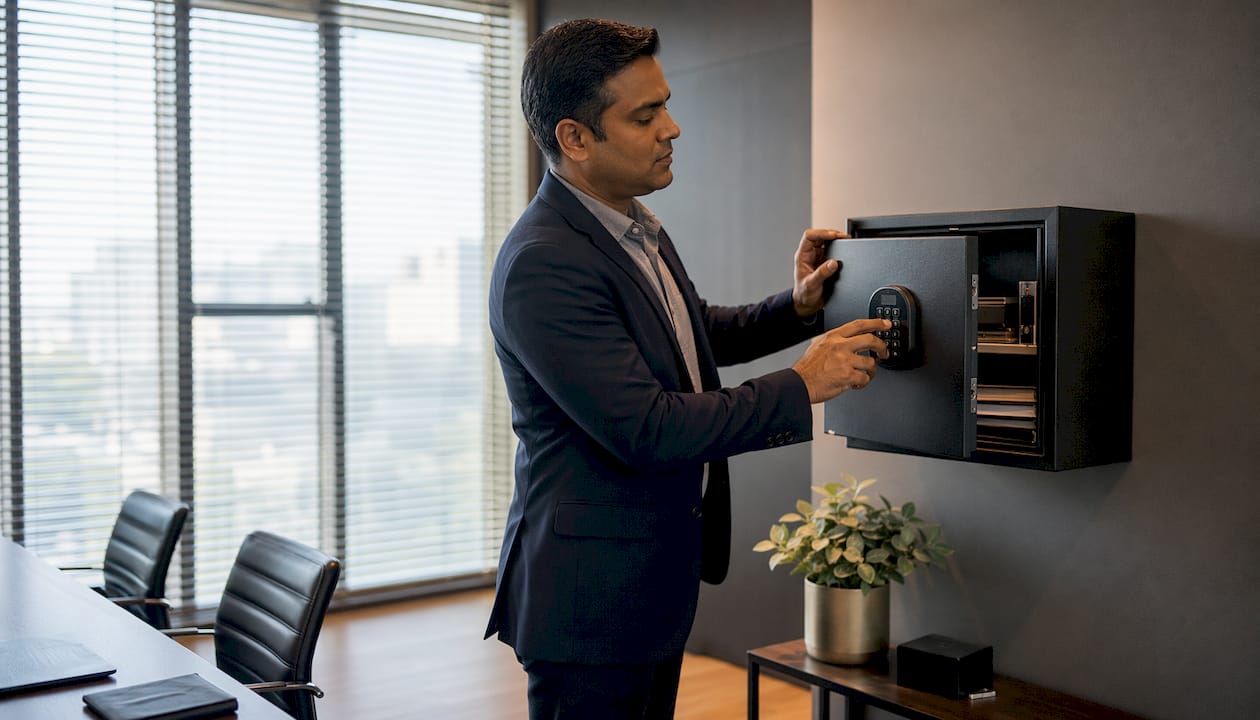
The most common gap in office storage security is treating a filing cabinet with a basic lock as equivalent to a rated safe. It is not. A standard filing cabinet can be opened with a letter opener in under a minute. A UL-rated burglary-resistant safe requires specialized tools and significant time, which is usually enough to deter opportunistic theft entirely.
Storage upgrades by asset type:
- Cash and deposits: Use a UL-listed deposit safe with a drop slot for daily cash handling; limit access to two or three authorized staff
- Sensitive documents: Fire-resistant filing safes protect against both theft and fire damage; look for a UL 350 or better fire rating for paper documents
- Pharmaceuticals: Pharmacy-grade safes with electronic locks and audit trail logging meet DEA storage requirements for controlled substances
- Data drives and backup media: A media safe rated for electronic media (typically UL 125 or better) protects against heat and humidity that would destroy drives even in a fire-rated document safe
- Equipment: Secure server rooms with keycard or biometric access, and cable-lock workstations in open office areas
Safes and Security Solutions carries commercial-grade options across all of these categories, including wall safes, in-floor safes, and heavy-duty deposit safes with detailed specifications and pricing listed on the site. The right choice depends on what you are protecting and how frequently it needs to be accessed.
Limit who knows the combination or has access credentials for any safe. Audit that list regularly, especially after staff turnover. Combining secure storage for valuables with your access control system creates a coherent chain of custody for high-value assets.
Pro Tip: Bolt floor-standing safes to the concrete subfloor, not just the carpet or tile. An unanchored safe, even a heavy one, can be removed from a building with a hand truck in minutes. Anchoring adds a meaningful physical barrier that most opportunistic thieves will not overcome.
5. Integrated security technology gives you the full picture
Running separate, disconnected systems for access control, surveillance, and alarms is like having three different alarm clocks that do not talk to each other. You get alerts, but you cannot act on them quickly because you are switching between platforms to piece together what happened.
Integrated AI-driven security platforms reduce workplace incidents by 25–30% and enable 40% faster audit preparation. The specific advantage is speed: when an access control alert and a camera feed and a visitor log are all visible in one dashboard, the time from alert to response drops sharply. That matters most during an active incident.
What a well-integrated system connects:
- Access control with video surveillance, so a door event automatically pulls the relevant camera clip
- Visitor management with badge access, so a visitor’s digital badge only works for the zones they are authorized to enter
- Desk booking data with occupancy monitoring, which is increasingly relevant in hybrid work environments where who is actually in the building changes daily
- Alarm systems with automated notifications to designated staff and, where appropriate, monitoring services
AI applications within these platforms are worth understanding specifically. Anomaly detection can flag when an employee badge is used at an unusual time or location. Predictive occupancy analysis helps with emergency planning by knowing how many people are actually on site. Automated compliance reporting reduces the manual work of demonstrating regulatory adherence.
Open API support is the technical requirement that makes integration possible. Before purchasing any security platform, confirm it can connect to your existing systems. A closed, proprietary system that cannot share data with other tools will create exactly the data silos you are trying to avoid.
Cybersecurity and physical security are increasingly the same problem. Secure Wi-Fi segmentation keeps IoT security devices on a separate network from your business data. Multi-factor authentication protects the cloud platforms managing your physical access credentials. A breach of your security management software is effectively a breach of your building.
Pro Tip: When evaluating integrated platforms, ask vendors specifically which third-party systems they have native integrations with, not just which ones they claim to support via API. Native integrations are maintained and tested; API-only connections often require custom development and break during software updates.
Key Takeaways
A layered approach combining physical barriers, smart technology, and trained staff is the most reliable way to protect an office, and it scales for any budget.
| Point | Details |
|---|---|
| Layer your defenses | Physical barriers, access control, surveillance, and trained staff each cover gaps the others cannot. |
| Audit permissions regularly | Permission creep is a common vulnerability; automated access reviews keep credentials current and accurate. |
| Integrate your systems | Connected platforms with open API support reduce response times and eliminate data silos between security tools. |
| Train staff consistently | Tailgating prevention, clean desk policies, and documented incident procedures close the human gaps technology cannot. |
| Safes and Security Solutions | Carries commercial-grade safes, surveillance systems, and security hardware with detailed specs for offices of any size. |
What most office security plans get wrong
The conventional wisdom says “buy better technology.” Spend more on cameras, get a smarter access control system, add more sensors. That advice is not wrong, but it is incomplete in a way that costs offices real money.
The offices that experience the most security failures are not the ones with cheap cameras. They are the ones where the cameras are great but nobody reviewed the footage until after the incident. Where the access control system has 40 active credentials for employees who left the company two years ago. Where the safe is bolted to the floor but three people know the combination and one of them no longer works there.
Technology without process is just expensive equipment. The most overlooked upgrade in most offices is not a product at all. It is the 90-minute session where you sit down with your team, walk through what actually happens when someone tailgates through a door, and make sure everyone knows what to do. That session costs nothing and closes vulnerabilities that no camera can fix.
The other thing offices consistently underestimate is the physical layer. Access control gets attention because it is interesting and the dashboards look impressive. But a cloud-managed keycard system on a door with a weak strike plate is security theater. The physical foundation has to be solid before the technology on top of it means anything.
For small to medium offices specifically, the temptation is to skip the integrated platform and just buy individual products. That works up to a point. But the moment you have more than one entry point, more than one camera, and more than a handful of staff, the management overhead of disconnected systems starts eating into the time you saved by not buying the integrated solution. The math shifts faster than most people expect.
Start with the physical audit. Fix the obvious gaps. Then build the technology layer on top of a solid foundation, and train your people to use it correctly.
Safes and Security Solutions has the hardware your office needs
If you have read this far, you have a clear picture of what your office needs. The next step is sourcing the right products, and that is where Safes and Security Solutions delivers something most retailers cannot: detailed specifications, transparent pricing, and a product range that covers every layer of a complete office security setup.

From UL-rated commercial safes and fire-resistant filing solutions to professional-grade surveillance camera systems with cloud storage and mobile alerts, Safes and Security Solutions stocks the hardware that facility managers and SMB owners actually need, without requiring you to navigate a sales rep or wait for a quote. Every product listing includes full specifications so you can match the right solution to your specific office layout and risk profile.
Browse the full range at Safes and Security Direct and find the products that fit your security plan today.
Recommended
- How to Enhance Office Security for Better Workplace Safety – Safes and Security Direct
- Upgrade business security: a systematic guide for SMBs – Safes and Security Direct
- Office security plan: Step-by-step to a safer workplace – Safes and Security Direct
- How to Protect Valuables in Offices Effectively – Safes and Security Direct