

Biometric Gun Safe Reliability: What Actually Works
Biometric gun safes are reliable enough for fast, everyday access when the unit pairs a quality sensor with a backup entry method, but they are not reliable enough to trust alone. The usual failure points are a dirty or cold sensor, a dead battery, and a safe with no fallback for when the fingerprint reader simply refuses to cooperate at 2 a.m.
If you take one thing from this article, do it today: buy a hybrid safe that includes a key or PIN backup, then run a dry-run test right now. Enroll your fingerprints properly and time yourself opening it in the dark.
- Choose a hybrid unit (biometric plus key or PIN), never biometric-only
- Enroll multiple fingers at multiple angles before you ever rely on it
- Test the backup method tonight, not after the sensor fails
Key Takeaways
Biometric gun safe reliability depends less on the sensor’s specs and more on whether the owner pairs it with backup access, regular cleaning, and battery discipline.
| Point | Details |
|---|---|
| Buy hybrid, not biometric-only | A key or PIN backup prevents lockout when the sensor fails or a battery dies. |
| Enroll multiple fingers and angles | Register three to five prints across both hands to cut false rejects. |
| Expect slower reads under stress | Wet, cold, or dirty hands can push unlock time from under one second to 3 to 5 seconds. |
| Maintain on a schedule | Clean the sensor weekly and replace batteries every six to twelve months. |
| Choose a proven builder | Safes and Security Solutions sells hybrid biometric safes with documented steel and backup specs built for daily reliability. |
Table of Contents
- How Reliable Is Biometric Gun Safe Technology, Really?
- How Fast Do Biometric Locks Actually Open?
- Setting Up Your Safe for Long-Term Reliability
- What Should You Check Before Buying a Biometric Safe?
- Why Safes and Security Direct Knows This Space
- Can a Biometric Safe Be Hacked?
- Where to Find Reliable Test Data and Safety Guidance
- What Gun Owners Get Wrong About Biometric Safes
- Get a Hybrid Biometric Safe Built for Real Conditions
- Frequently Asked Questions About Biometric Gun Safe Reliability
- Sources
How Reliable Is Biometric Gun Safe Technology, Really?
The sensor inside the safe determines most of what happens next. Capacitive sensors, which read the electrical properties of your fingerprint ridges, tend to perform better in humidity and slight dirt than older optical sensors that rely on light and a clean image. Multispectral sensors go a step further, reading beneath the surface layer of skin to catch a print even through light moisture or grime. Higher-end safes add liveness checks to prevent spoofing, which matters more for the security question than the reliability one, but the two overlap more than people expect.
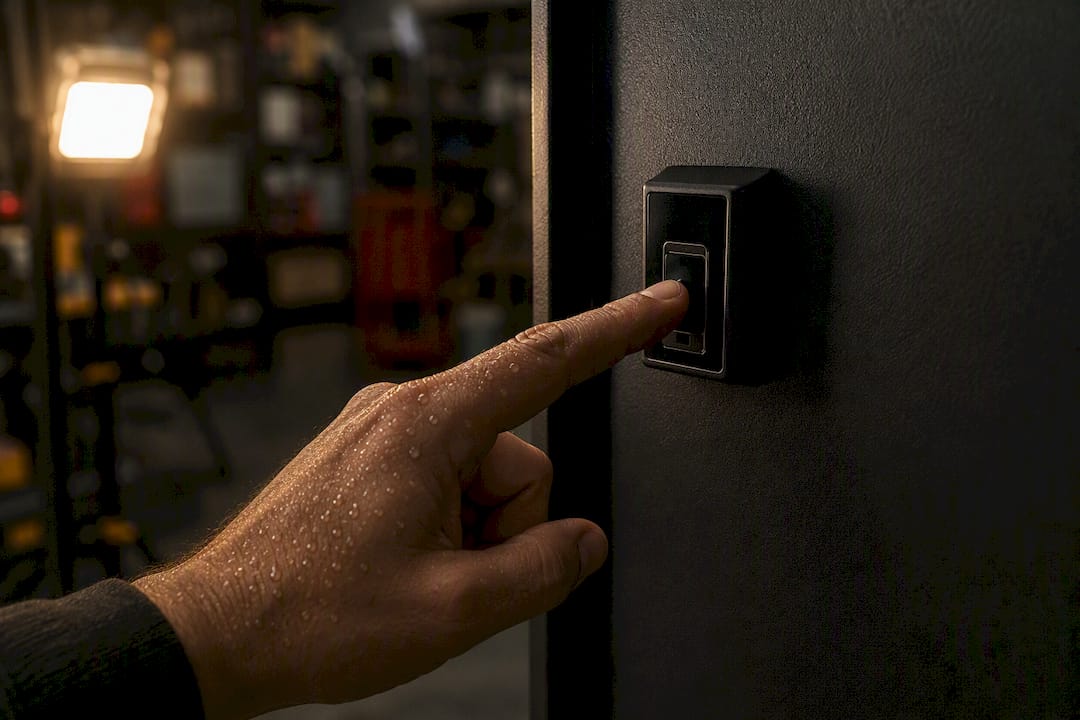
Environment changes everything. A sweaty palm after a workout, a grease-covered thumb after fixing the car, or fingers numbed by cold all reduce the sensor’s read rate. Cuts and swelling do the same. This is exactly why hybrid safes consistently outperform biometric-only units in real ownership: reliability is a property of the whole system, not just the scanner.
Three technical habits shape long-term performance:
- Register at least two fingers per hand, each scanned two to three times at slightly different angles.
- Keep the unit on a battery replacement schedule rather than waiting for a low-battery warning.
- Confirm the safe’s steel gauge and bolt design meet a pry-resistance standard before you buy, since a sensor is only as good as the box it is attached to.
Pro Tip: Enroll your thumb and index finger from both hands, not just your dominant hand’s index finger. If you’re injured or holding something in an emergency, a second option cuts your risk of lockout dramatically.
How Fast Do Biometric Locks Actually Open?
Unlock speed is where biometric safes earn their reputation, and also where that reputation gets overstated. In ideal conditions, a fingerprint scan typically opens a safe in under one second. A hands-on test of the Vaultek RS800i recorded consistent unlock times of less than half a second with well-built anti-pry steel, though the same review flagged sensor sensitivity to oily hands and noted the unit isn’t fire-rated.
Under adverse conditions, biometric attempts can slow to 3 to 5 seconds or fail outright, while keypad entry averages a steadier 3 to 6 seconds and mechanical dials run anywhere from 5 to 60 seconds.
That gap matters more than the sub-second marketing number suggests. Stress-test comparisons found biometric scanners post noticeably higher false reject rates in wet, sweaty, or cold conditions, the exact conditions that show up during an actual emergency, while keypads stay unaffected by any of it.
Failure stories tend to repeat the same three culprits:
- A sensor caked with dust or hand lotion that hasn’t been wiped down in weeks
- A battery that died quietly months after the last warning chirp
- An owner who enrolled once, in perfect conditions, and never tested the print again
Device tier changes the odds substantially. Budget biometric-only units are where most owner complaints originate, according to hands-on buyer guides from Gun University, while mid-tier and premium hybrids show markedly better first-attempt success. Under real stress, when fine motor control degrades, a keypad you’ve practiced blind often beats a fingerprint reader you’ve never tested outside daylight.
Setting Up Your Safe for Long-Term Reliability
Reliability doesn’t come from the box you bought. It comes from what you do with it in the first week and every month after.
- Enroll properly. Register three to five fingerprints across both hands, varying the angle slightly each time you scan the same finger.
- Clean weekly. Ownership guides recommend wiping the sensor with a dry microfiber cloth, never a wet wipe or alcohol swab that can leave residue in the reader’s grooves.
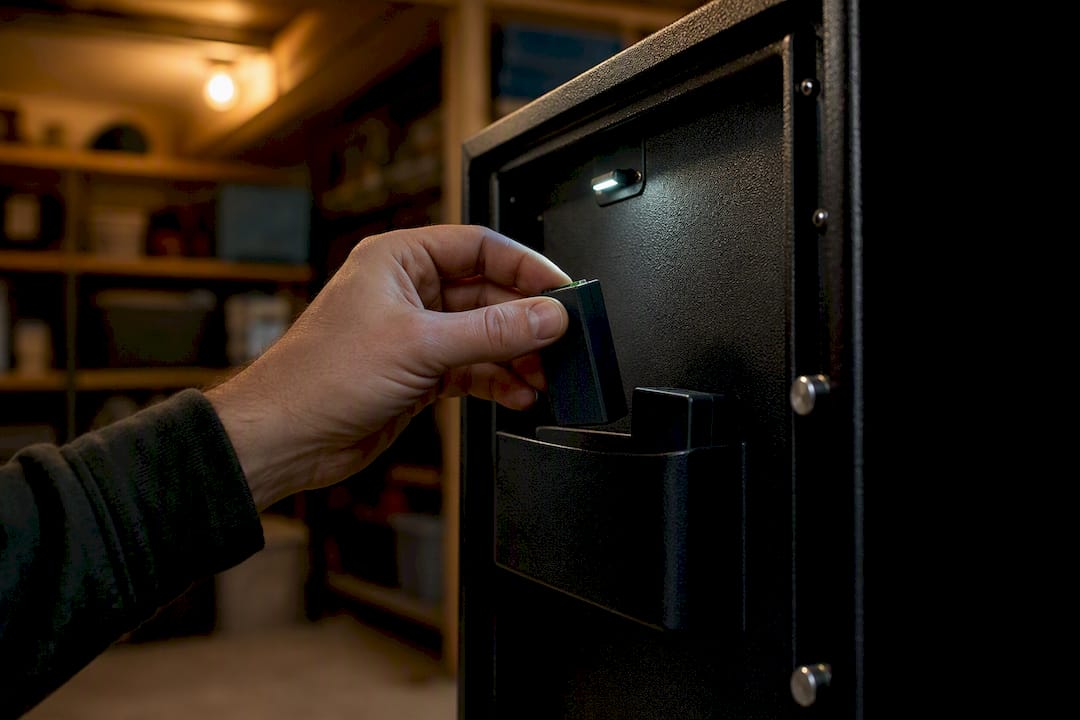
- Replace batteries on a schedule. Swap cells every six to twelve months depending on use, and keep a spare taped inside an accessible drawer nearby.
- Run monthly drills. Time a biometric unlock, then a backup key or PIN unlock, then repeat both with the lights off.
- Mount the safe. Bolt it to a stud or concrete floor. Theft by carry-away has nothing to do with lock technology, but it gets blamed on the safe anyway.
Our guide to fingerprint enrollment and cleaning routines walks through placement and battery timing in more detail, and the discipline isn’t unique to gun safes. Fire alarm maintenance programs run on the same logic: a safety device only stays reliable if someone treats upkeep as a recurring task, not a one-time purchase decision.
Pro Tip: Store the spare battery inside the safe’s door pocket if it has one. You’ll never find it in a junk drawer at 2 a.m., but you’ll always find it right where the lock is.
What Should You Check Before Buying a Biometric Safe?
Reliability starts at the buying decision, before the safe ever reaches your nightstand. Run through this checklist on any product page or showroom floor:
- Hybrid access is non-negotiable. Confirm the unit has a physical key or PIN backup alongside the fingerprint reader, plus an external power port for a dead-battery override.
- Sensor type matters. Ask whether the reader is capacitive or multispectral rather than an older optical scanner, since both hold up better against moisture and light grime.
- Ask about published performance numbers. Some manufacturers share false reject and false accept rates or documented first-attempt success percentages; treat a refusal to discuss this as a yellow flag.
- Inspect the steel and bolt work. Look at gauge thickness, bolt count, and anti-pry features independent of the lock technology entirely.
- Get a hands-on demo. A floor model you can test with your own fingers tells you more than any spec sheet.
- Check warranty and firmware support. A safe that logs failed attempts and receives firmware updates is easier to troubleshoot before a false-reject pattern turns into a real lockout.
| Buying Factor | What to Look For |
|---|---|
| Access method | Fingerprint plus key or PIN backup, never biometric-only |
| Sensor type | Capacitive or multispectral, not basic optical |
| Steel and bolt work | Thick gauge steel, multiple bolts, anti-pry lip |
| Power | External port for override plus easy battery access |
| Support | Warranty terms and firmware or app troubleshooting tools |
Our comparison of biometric versus keypad safes breaks down which access method fits different households, and a hybrid model like the Sports Afield SA-HD7-BIO handgun vault shows what these specs look like on an actual product page rather than a spec sheet.
Why Safes and Security Direct Knows This Space
Safes and Security Solutions specializes in professional-grade safes built around exactly this reliability question, and the product catalog reflects it: hybrid access, documented steel specs, and support resources built for owners who need the safe to work the first time, every time.
- A dedicated troubleshooting resource for sensor and power issues owners run into after purchase
- Product pages that list steel gauge, backup access, and power specs upfront rather than burying them in fine print
- A buying guide focused on hybrid units rather than biometric-only models with weaker track records
Can a Biometric Safe Be Hacked?
Every electronic lock introduces an attack surface that a mechanical dial doesn’t have, and biometric safes are no exception. The realistic vulnerabilities fall into three categories: spoofing the sensor with a fake print, exploiting the safe’s Wi-Fi or Bluetooth connection if it has one, and brute-forcing or bypassing the backup PIN.
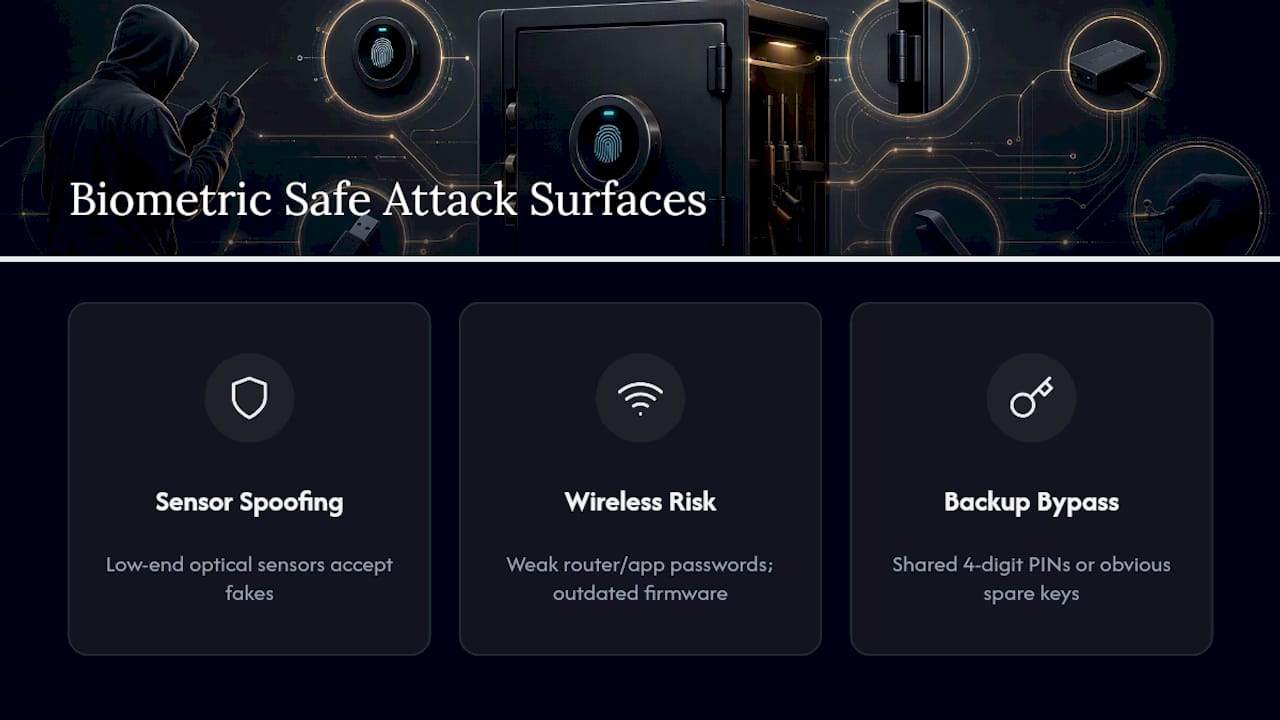
Spoofing is harder than movies suggest. Capacitive and multispectral sensors with liveness detection reject flat images, molds, and most silicone replicas, though a low-end optical sensor without liveness checks is more vulnerable. This is one more reason sensor quality isn’t a cosmetic upgrade, it’s a security feature.
Connected safes carry a different risk. A unit with app control or Wi-Fi monitoring, the kind premium models use to log unlock attempts and flag suspicious activity, is only as secure as the home network it sits on. Weak router passwords or outdated firmware are the actual weak point, not the fingerprint sensor itself. Keep firmware updated and use a strong, unique password for any companion app.
The backup PIN or key is often the softer target. A four-digit code shared with too many people, or a spare key left in an obvious spot, undermines a strong biometric sensor just as fast as a bad one. Treat backup credentials with the same seriousness as the fingerprint enrollment itself.
Where to Find Reliable Test Data and Safety Guidance
For further reading beyond this guide, Project ChildSafe offers secure storage guidance grounded in responsible ownership, and Wheretoshoot helps you find a range to practice access drills under realistic pressure.
What Gun Owners Get Wrong About Biometric Safes
The conventional advice treats biometric reliability as a spec you shop for, like megapixels on a camera. That’s backward. The sensor is the least of your problems if you never test the backup key, never re-enroll after a cut heals wrong, or let the battery die because the low-power chirp went unnoticed for a month.
What the evidence actually supports is a shift in mindset: treat the safe like a system you maintain, not a gadget you install once. The false reject rate under stress matters more than the unlock time under ideal conditions, because ideal conditions aren’t when you need the safe most. A keypad you’ve drilled blind, on a bad night with cold hands, beats a fingerprint reader you’ve never tested past your living room.
Prioritize the backup method first, the enrollment routine second, and the marketed unlock speed dead last. Speed is the easy part. Every hybrid safe on the market is fast enough. Reliability is what happens when conditions aren’t ideal, and that’s a maintenance habit, not a purchase decision.
Get a Hybrid Biometric Safe Built for Real Conditions
If the sections above convinced you that reliability comes down to hybrid access, sensor quality, and steel you can trust, that’s exactly what Safes and Security Solutions builds a catalog around. You won’t find biometric-only units here that leave you locked out over a dead battery or a sensor that can’t read a sweaty thumb.

Every safe listed pairs a fingerprint reader with a key or PIN backup, and product pages spell out steel gauge, bolt count, and power options upfront instead of hiding them in a footnote. Browse the full lineup of hybrid biometric safes and pick a model that matches how you actually plan to use it, whether that’s bedside handgun access or a larger unit for a full collection. Check specs, compare backup options, and place your order today.
Frequently Asked Questions About Biometric Gun Safe Reliability
Are biometric gun safes reliable enough for home defense? They can be, provided the unit has a backup key or PIN and you maintain the sensor and battery on schedule. A biometric-only safe with no fallback is the setup most likely to fail you.
How long do biometric gun safes take to unlock? Under ideal conditions, most open in under one second. Wet, cold, or dirty fingers can push that to 3 to 5 seconds, and some attempts fail outright, which is why a tested backup matters.
What causes most biometric safe failures? A dirty or contaminated sensor, a dead or neglected battery, and poor fingerprint enrollment account for the vast majority of reported failures among owners.
Do biometric safes work with sweaty or injured fingers? Read rates drop with sweat, grease, cuts, or swelling, especially on optical sensors. Capacitive and multispectral sensors handle it better, and enrolling multiple fingers reduces the impact of any single bad read.
Should I choose a keypad or biometric gun safe? A hybrid model gives you both, which is the safest answer. Keypads stay unaffected by moisture or cold, while biometric access offers faster entry in ideal conditions.